From Idea to Viral: A Step-by-Step Guide to Create Your Own Meme
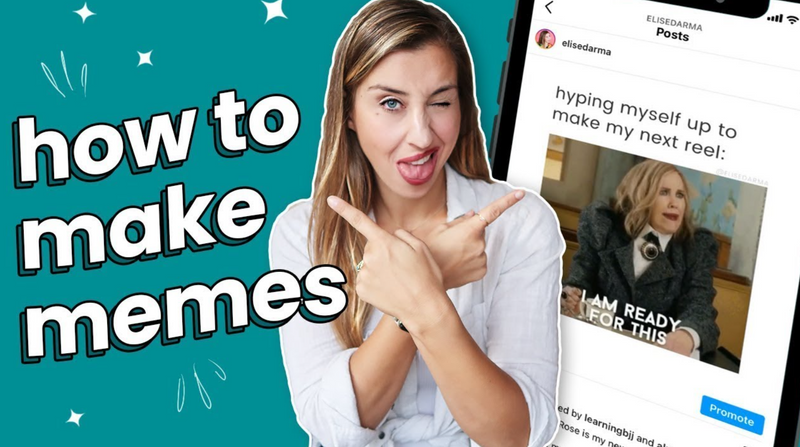
Ever had a hilarious idea you just knew would be a perfect meme? The journey from that spark of inspiration to a finished, shareable image is easier than you think. This step-by-step guide will teach you exactly how to create your own meme from scratch.
Step 1: Find Your Inspiration
Memes often come from:
● A funny moment in a TV show or movie.
● A relatable personal experience.
● A current event or trending topic.
● A classic template used in a new, clever way.
Step 2: Choose Your Tool
To create your own meme, you need a platform. For beginners, we recommend:
● Imgflip: For speed and a vast template library.
● Canva: For a more design-oriented approach with great fonts and graphics.
● Kapwing: For memes that involve video or complex image editing.
Step 3: Select or Upload Your Image
● Use a Template: If your idea fits a known format (like "Woman Yelling at a Cat"), find that template in the platform's library.
● Upload Your Own: If you're using a screenshot or a personal photo, use the "Upload" feature. This is how new, original memes are born!
Step 4: Craft the Perfect Caption
This is the heart of your meme. Key tips:
● Top Text: Sets up the situation or is the "straight man."
● Bottom Text: Delivers the punchline or the unexpected twist.
● Keep it Concise: Less is almost always more. Make every word count.
FAQs: Create Your Own Meme
Q: How can I make sure my meme is funny?
A: Humor is subjective, but relatability is key. The most successful memes tap into a shared experience or feeling. Test it on a friend before you share it widely!
Q: Can I create my own meme with a video?
A: Absolutely! GIFs and short video clips are huge in meme culture. Tools like Kapwing and Imgflip's GIF maker are perfect for this.
Q: What's the best format for saving my meme?
A: Use JPEG for standard image memes. If you've used a transparent background (e.g., for a reaction image), save it as a PNG.
Conclusion
Learning how to create your own meme is a fun and rewarding digital skill. By following these steps and trusting your comedic instinct, you can contribute to the endless, ever-evolving conversation of the internet. Go make something funny!